Android · Free Download

FocusBottle — Visual Focus Timer for Pomodoro & Deep Work

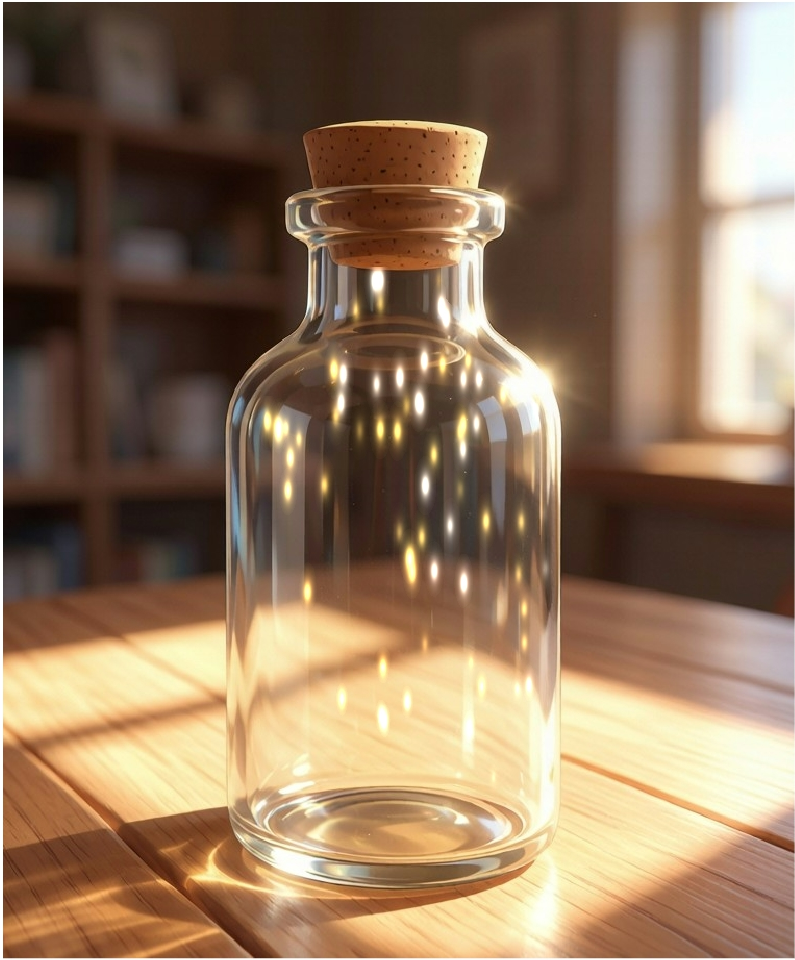
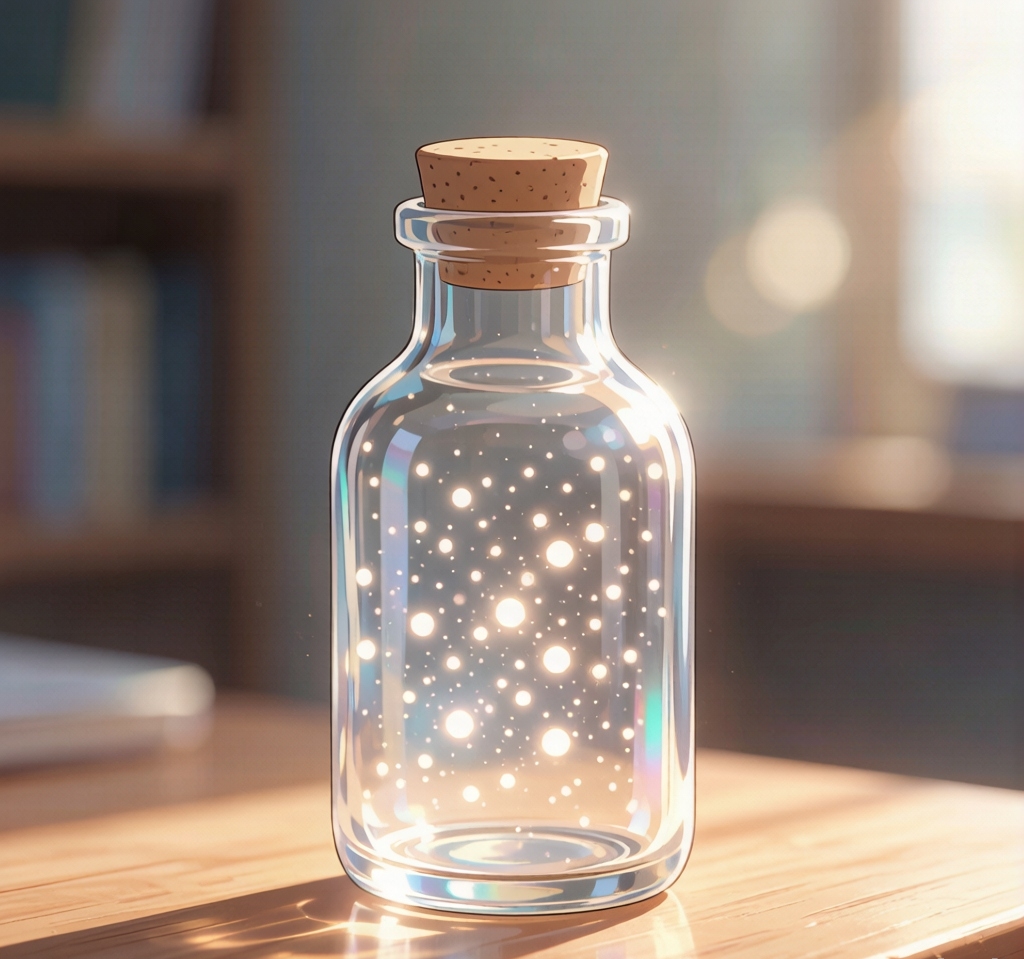
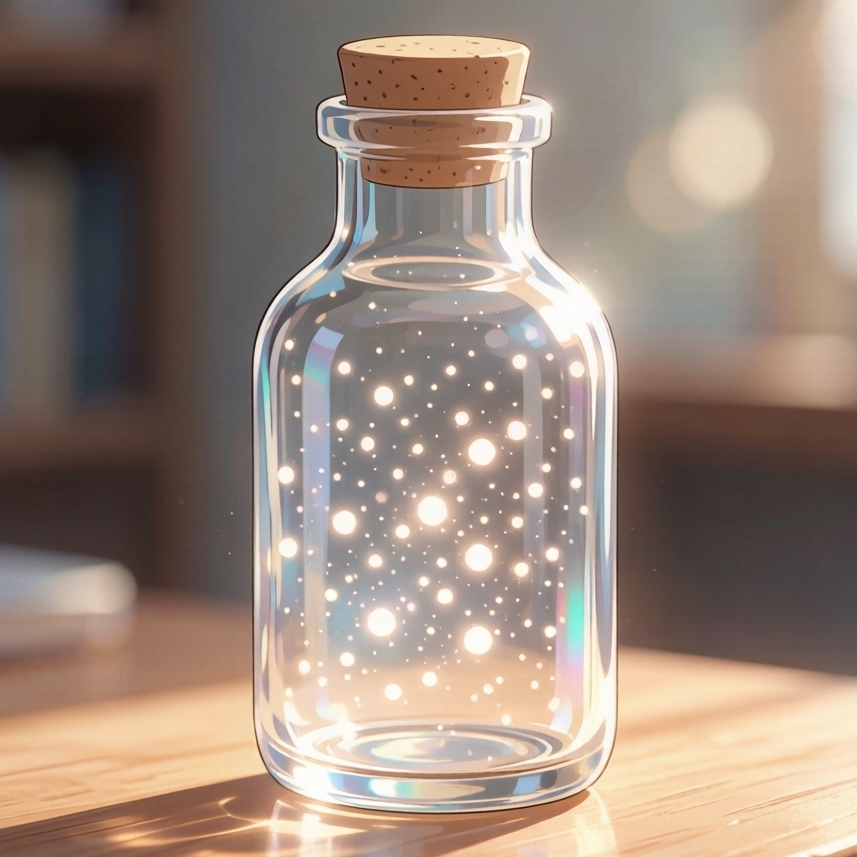
FocusBottle turns focus time into dancing light particles in a bottle. Use it as a visual focus timer for Pomodoro sessions, deep work, and study blocks—with optional white noise, tasks, and a focus calendar. Free on Android, no registration required.

FocusBottle App Interface - Light particles dancing in bottle

Make Focus More Fun

Achievement level system makes every focus session rewarding

Light Particle System

Light Particle System

GPU Shader real-time rendering, light particles dance and flutter as you focus. Particle count and appearance change as your level increases

Achievement System

Achievement System

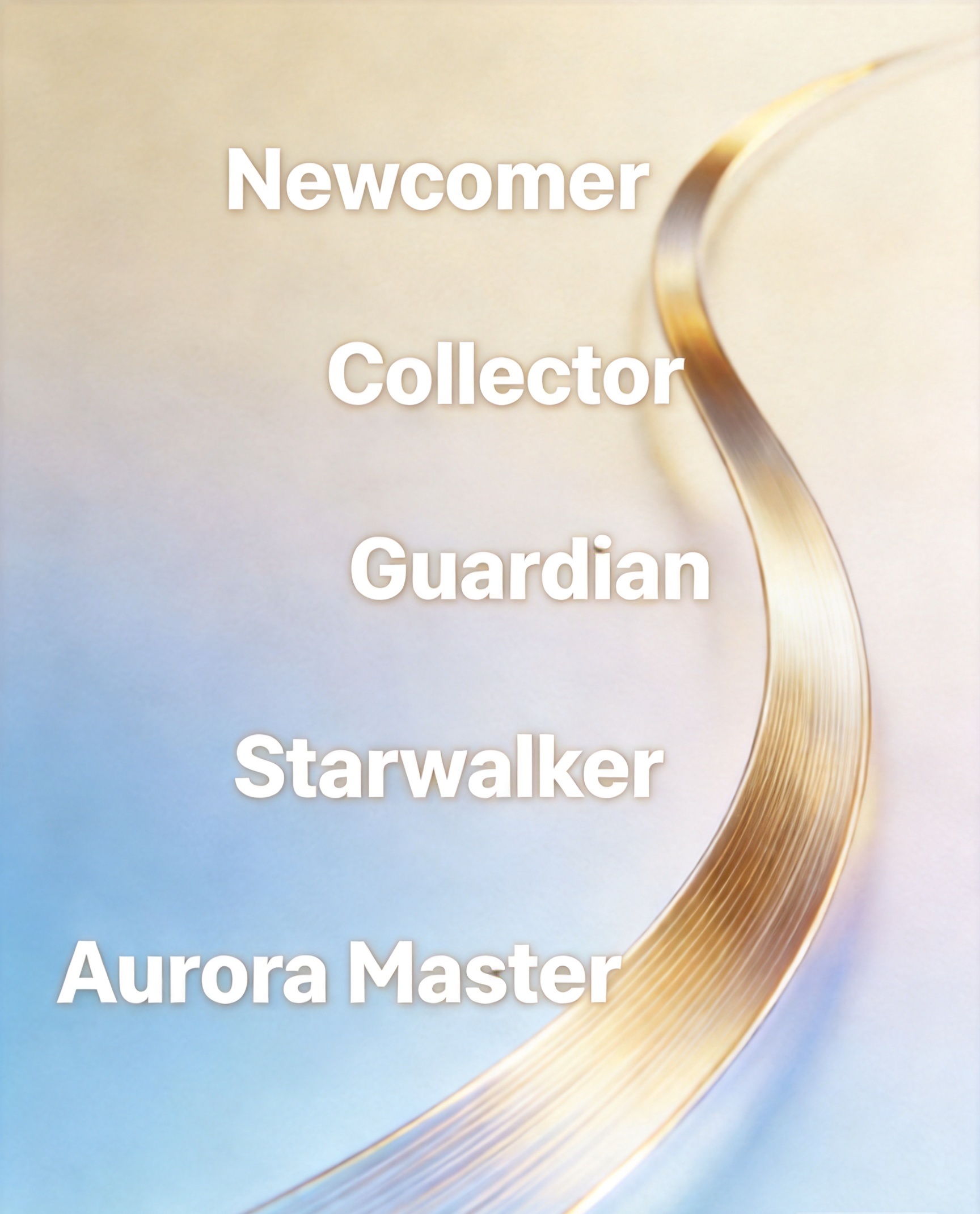
2XP per minute, +50XP on completion, +20% bonus for no interruptions. 5 title levels: Newcomer, Collector, Guardian, Starwalker, Aurora Master

Share Cards

Share Cards

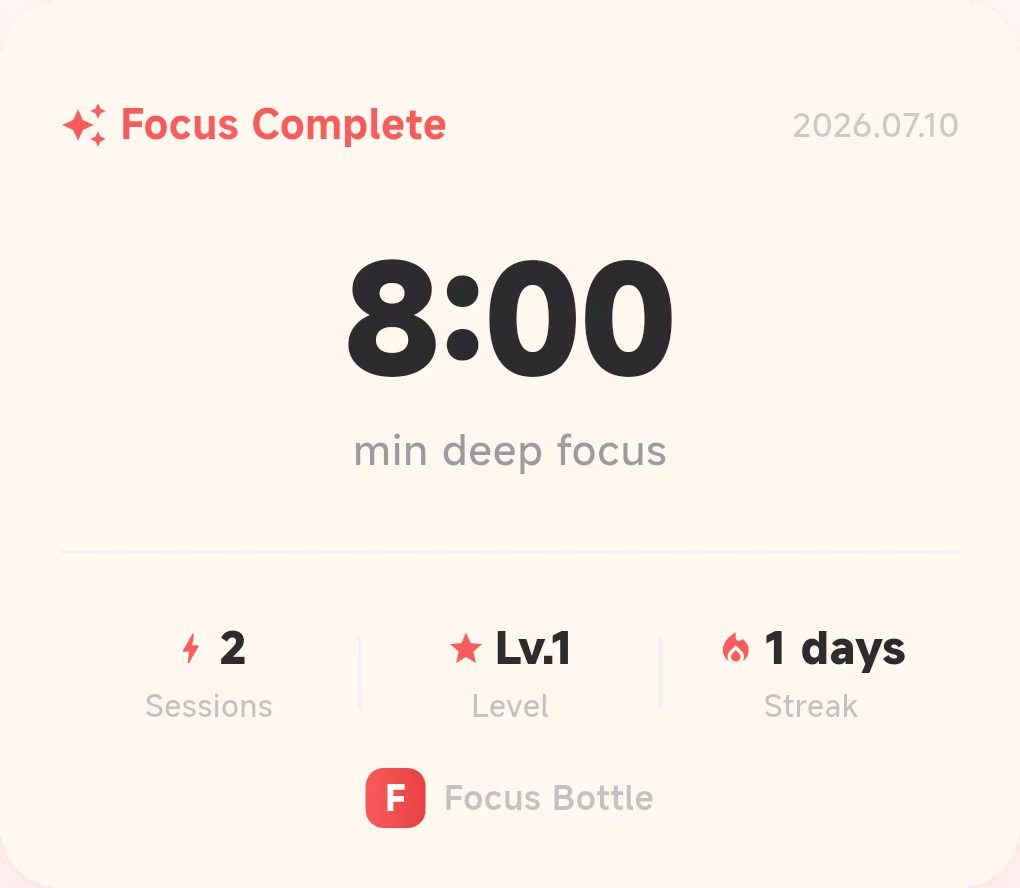
4 beautiful templates: Session, Streak, Milestone, Daily Summary. Generate and share to social media with one click

Focus Calendar

Focus Calendar

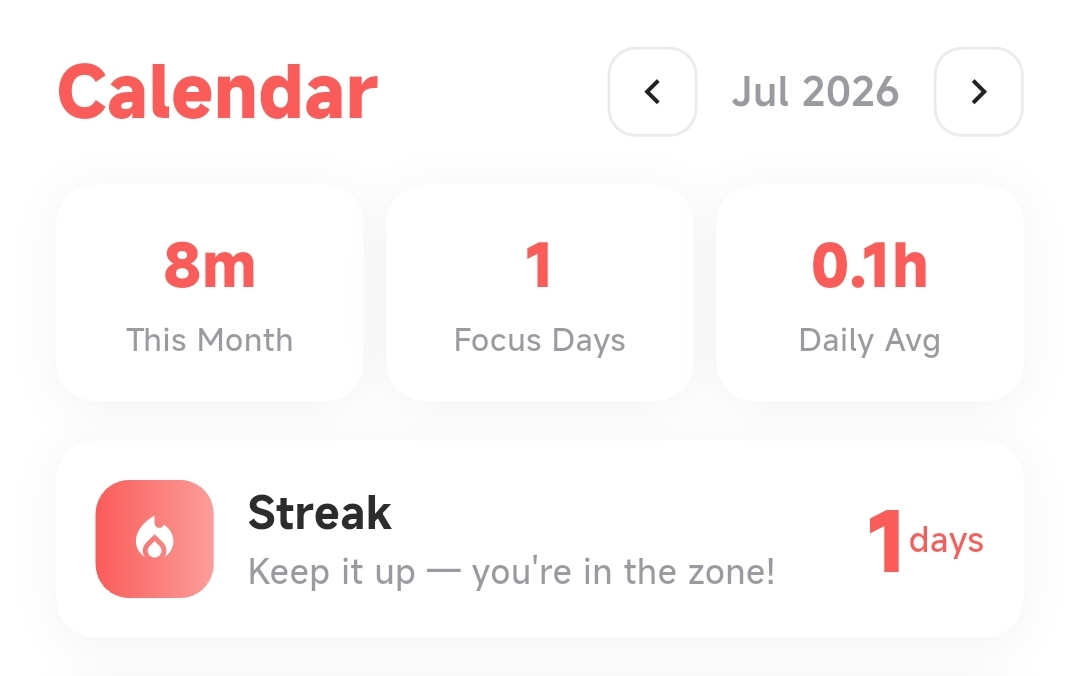
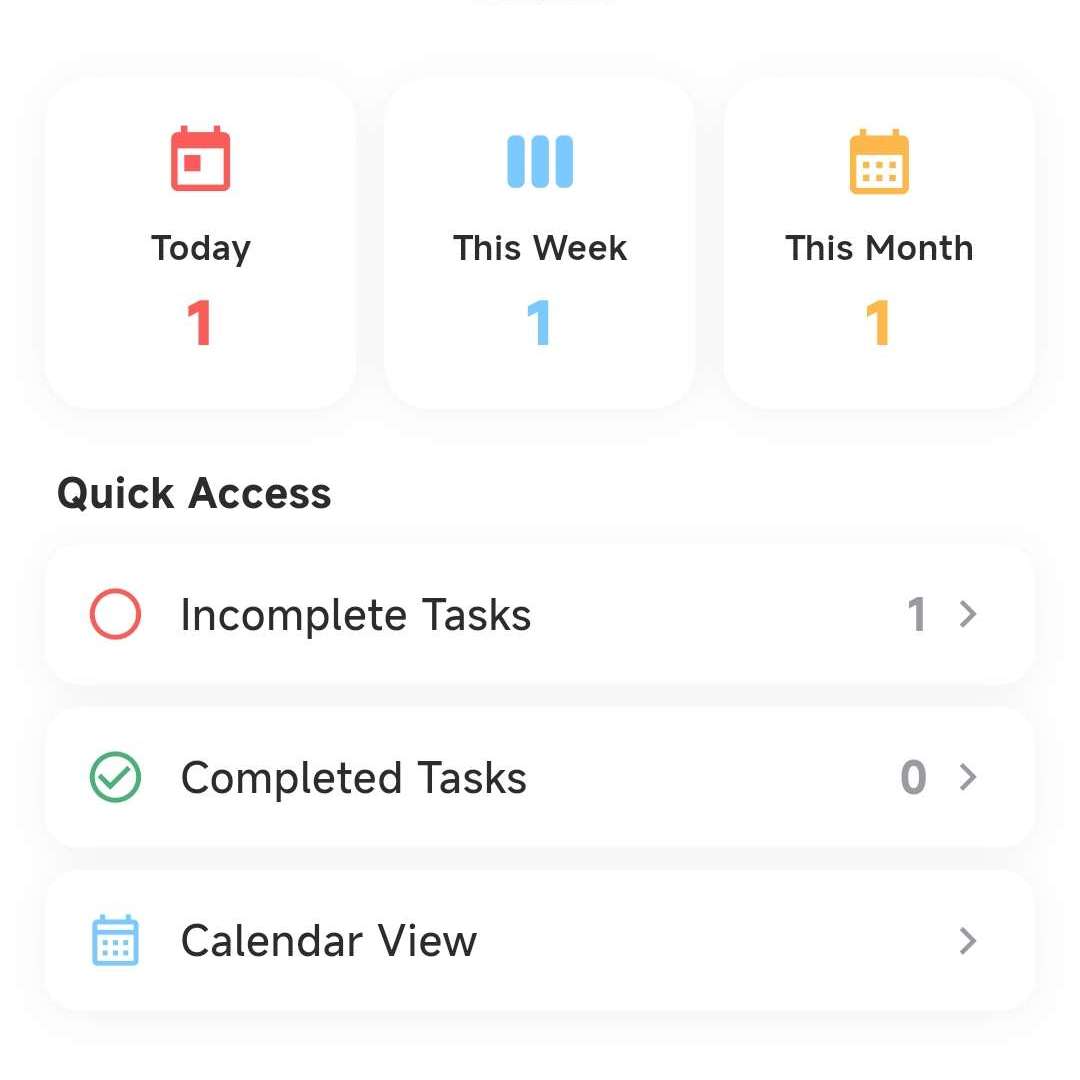
Monthly calendar view of focus history. See stats, streak days, and weekly rhythm at a glance, tap any date for details

Four Stages, Infinite Possibilities

As your focus level increases, particles in the bottle undergo four magnificent evolutions

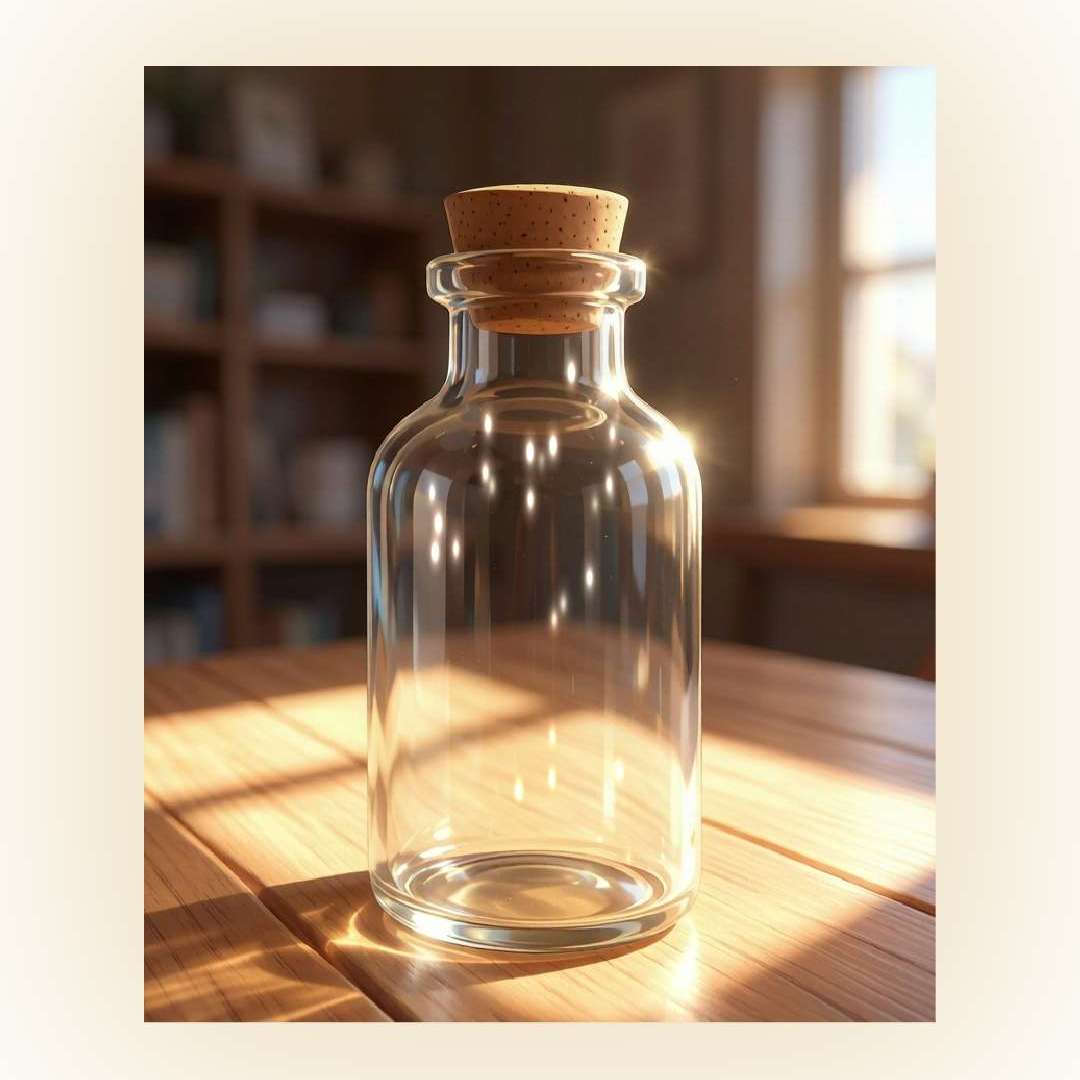
Lv.1 Glass - A clean beam of white light

Lv.1 · Glass

A clean beam of white light

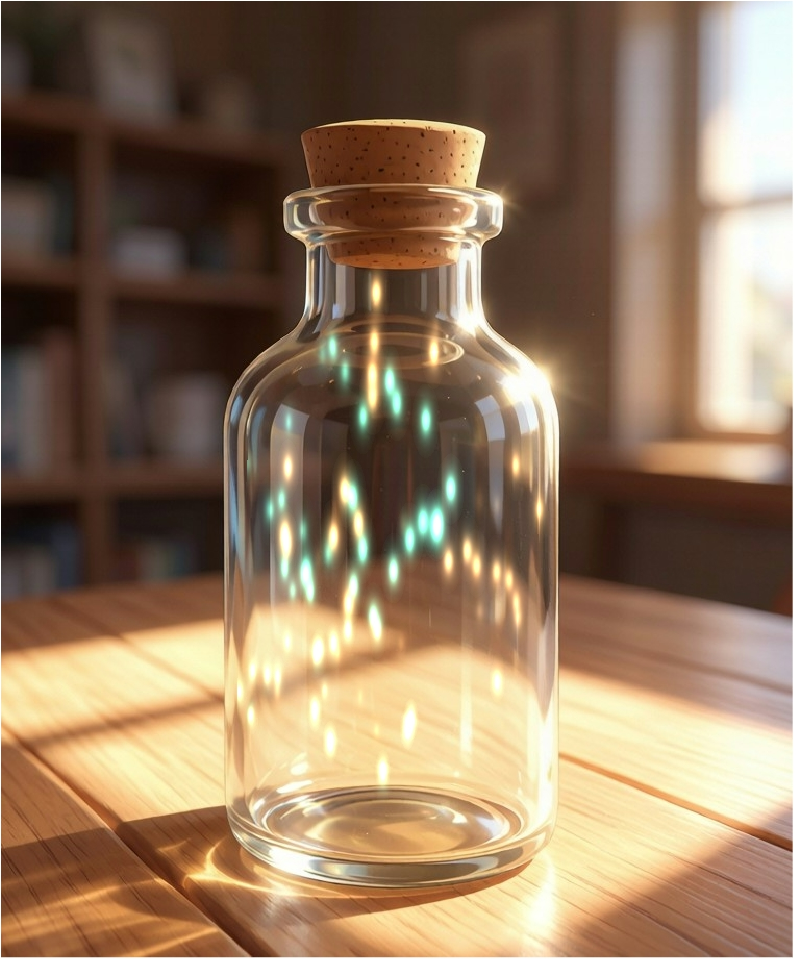
Lv.11 Crystal - A golden gleam warms the glass

Lv.11 · Crystal

A golden gleam warms the glass

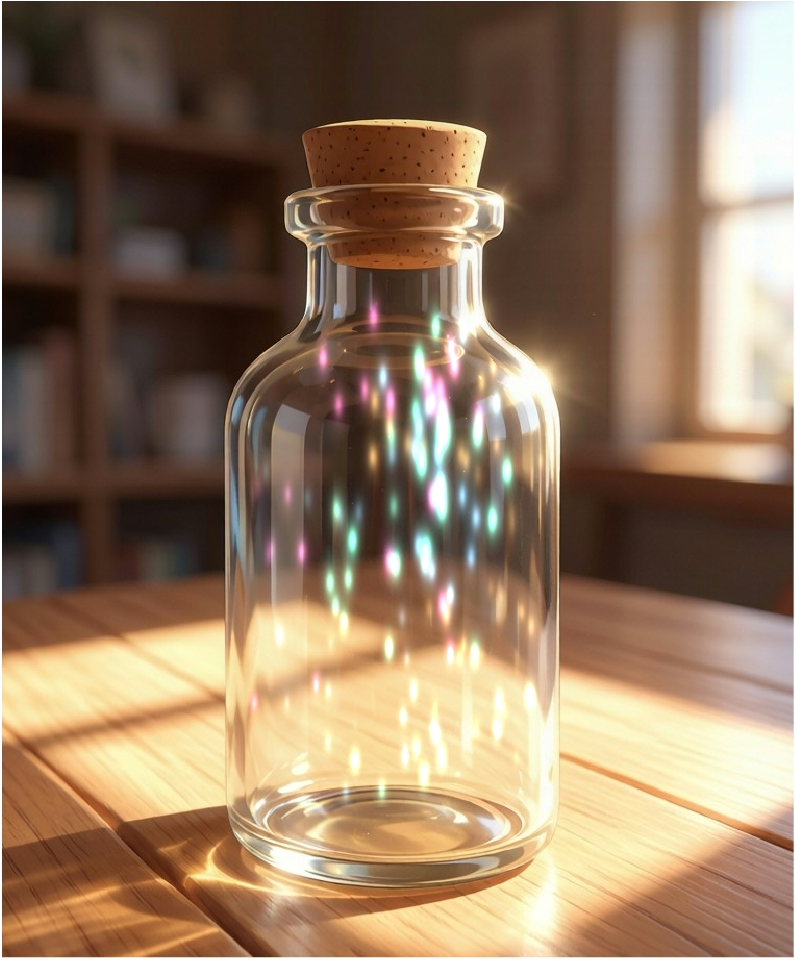
Lv.26 Starlight - Tricolor stardust dances

Lv.26 · Starlight

Tricolor stardust dances

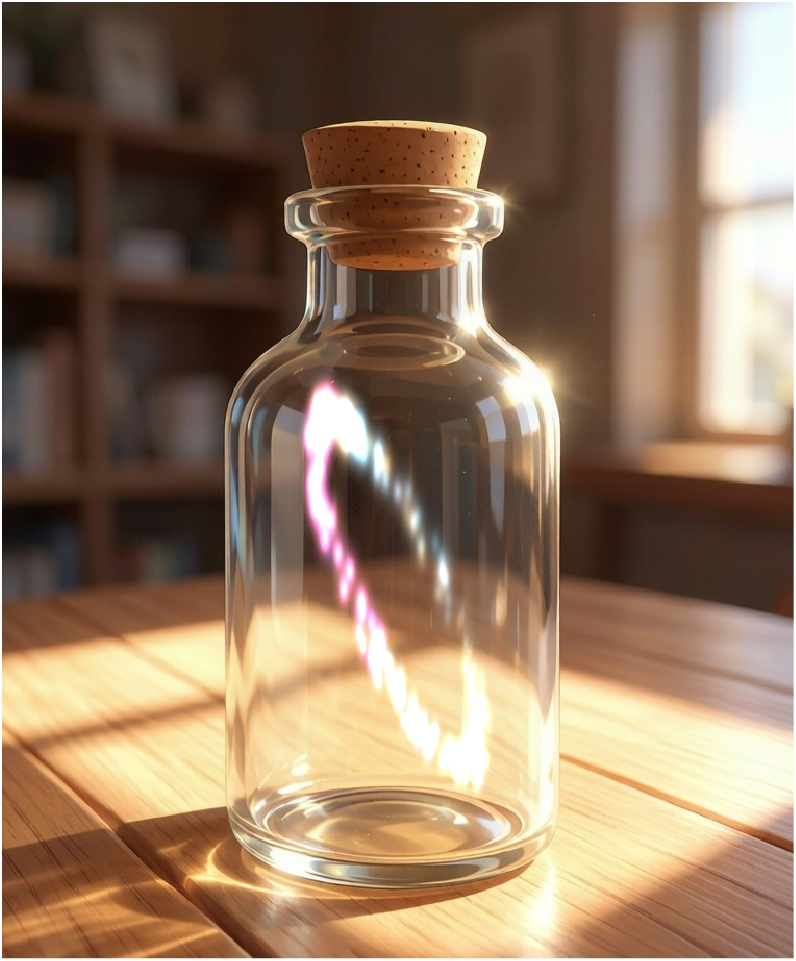
Lv.51 Aurora - Rainbow aurora light swirls

Lv.51 · Aurora

Rainbow aurora light swirls

5 Steps to Start Your Focus Journey

A few simple steps to experience focus time accompanied by light particles

1

Download

Download free from Google Play

2

Choose Duration

25min classic, 50min deep, or 90min ultimate

3

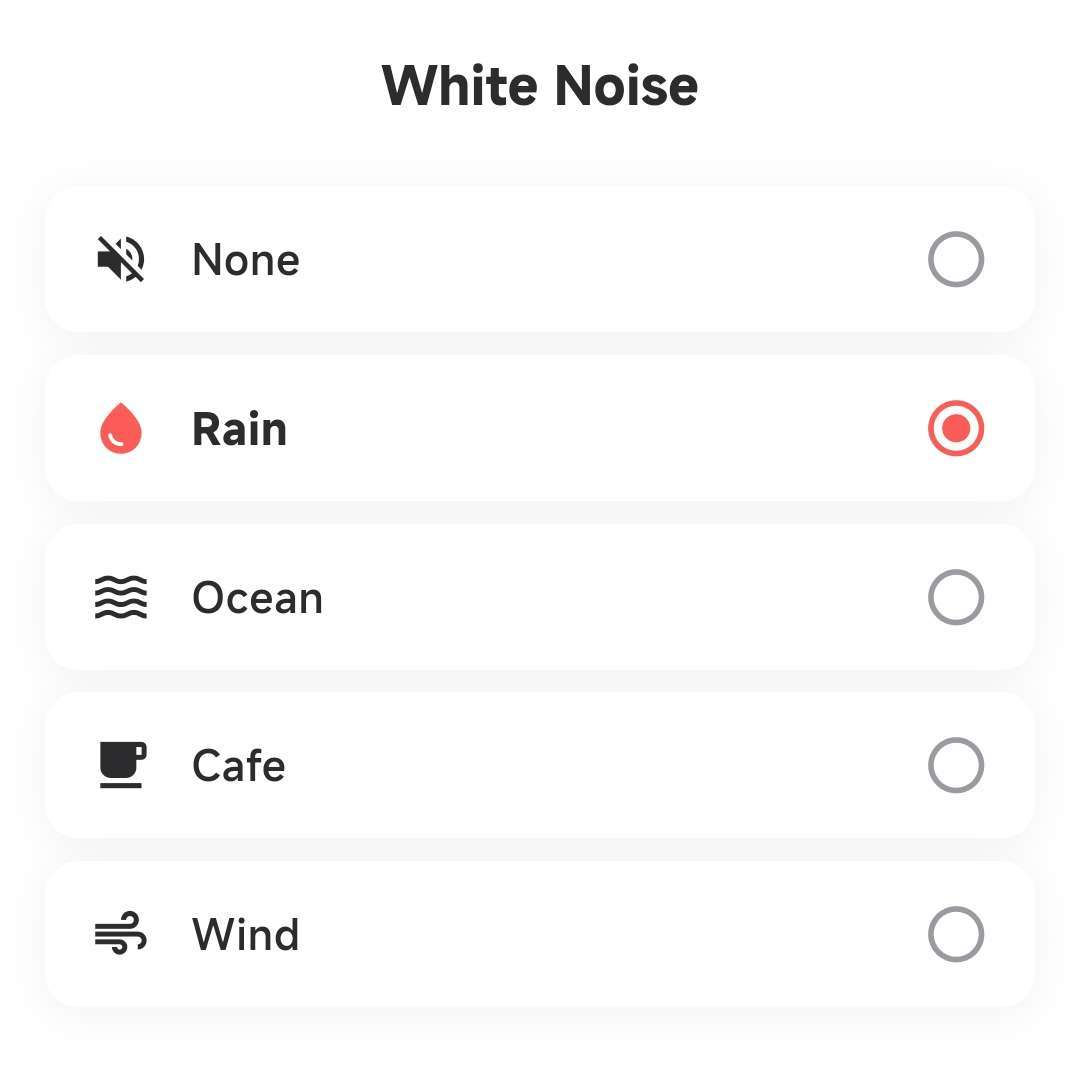
Enable White Noise

Rain, ocean, cafe, or wind

4

Start Focusing

Watch particles dance, stay focused

5

Grow

Earn XP, evolve particles, unlock titles

Focus Toolbox

Efficient tools to make focus easier

Pomodoro Focus

Pomodoro Focus

Classic pomodoro technique with 25/50/90 minute durations. Light particles dance continuously during focus, giving visual feedback.

Interruption Detection Pause/Resume Auto Save
Immersive White Noise

Immersive White Noise

Four curated ambient sounds: rain, ocean, cafe, wind. Independent volume control, works with pomodoro timer, uninterrupted background playback.

Loop Playback Volume Control Background Play
Task Management

Task Management

Create custom tasks linked to focus sessions. Set priority, groups, estimated pomodoros, due dates, and reminders.

Priority Levels Groups Reminders
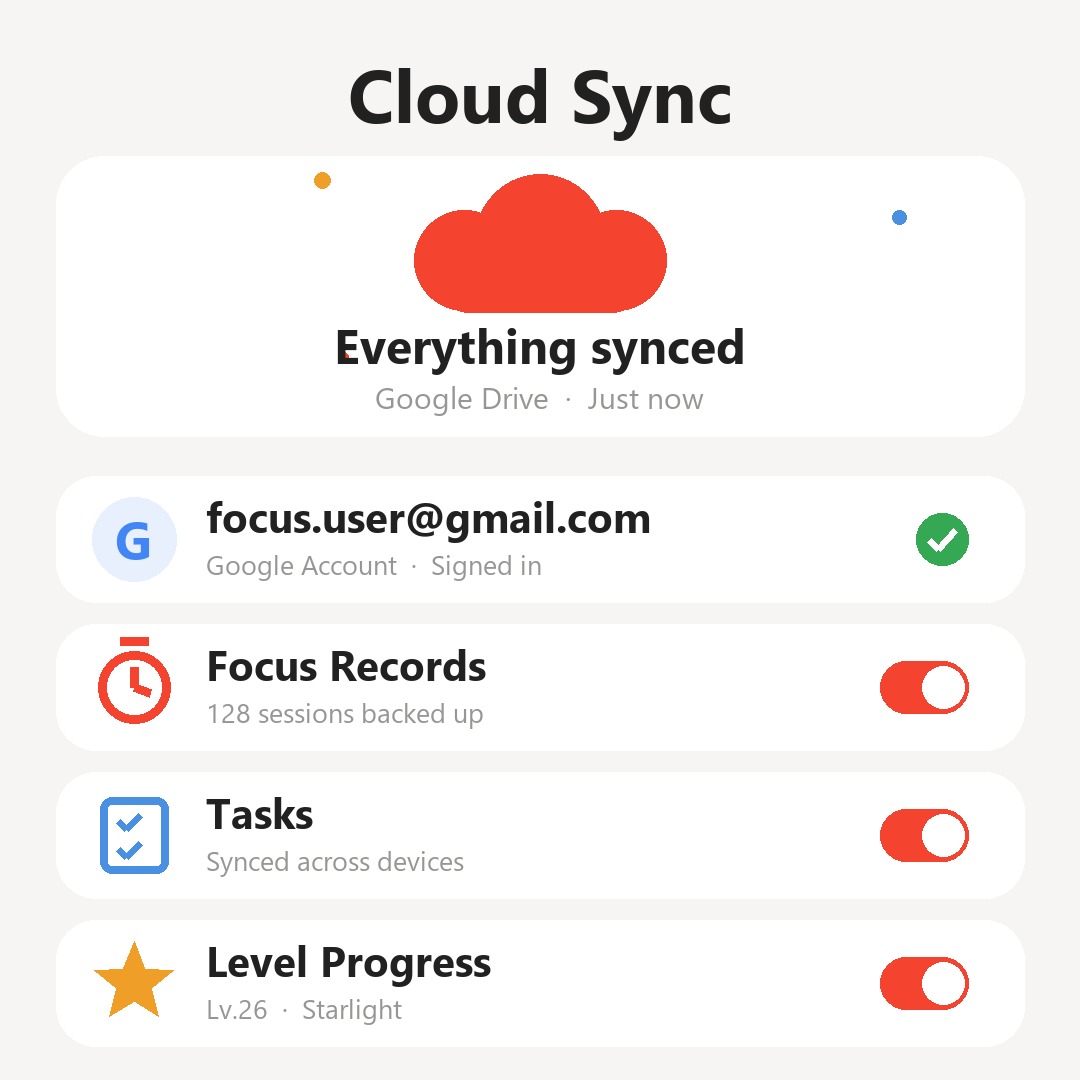
Cloud Sync

Cloud Sync

Google account login, focus records, level progress, and task data sync automatically. Offline-first architecture works without internet.

Google Login Auto Sync Offline First

Frequently Asked Questions

What is FocusBottle?

A free Android focus timer with a visual light-particle bottle, Pomodoro durations (25/50/90), white noise, tasks, and a focus calendar.

Is FocusBottle a Pomodoro timer?

Yes. Choose Classic, Deep, or Ultimate intervals for Pomodoro-style focus and breaks.

Can I use it as a deep work timer?

Yes. Pick a longer interval when you want uninterrupted time for one task.

What is FocusBottle's light particle system?

FocusBottle's light particle system is its core feature. As you focus, light particles dance and flutter inside the bottle. As your focus level increases, the number and appearance of particles change, creating different visual experiences.

What focus modes does FocusBottle support?

FocusBottle supports three pomodoro modes: 25 minutes (Classic Pomodoro), 50 minutes (Deep Focus), and 90 minutes (Ultimate Focus).

What white noise does FocusBottle have?

FocusBottle has four built-in ambient sounds: Rain, Ocean, Cafe, and Wind. Each sound supports independent volume control and can be used simultaneously with the pomodoro timer, with background playback and loop support.

Is FocusBottle free?

Yes, FocusBottle is free to download and use, no registration required. Available on Android. Core features are completely free, with optional premium skins available.

What is FocusBottle's bottle skin system?

FocusBottle offers 4 beautiful bottle skins: Warm Sunlight (free, default warm sunlight theme), Mystical Dark (night sky with stars), Vintage Glass (retro wood grain), and Crystal Star (brilliant starlight). Each skin has a unique background scene.

What are the title levels in FocusBottle?

FocusBottle's title system includes 5 levels: Newcomer (Lv.1-5), Collector (Lv.6-15), Guardian (Lv.16-30), Starwalker (Lv.31-50), and Aurora Master (Lv.51+). Earn experience through focus sessions to level up and unlock new titles.

Can FocusBottle be used offline?

Yes, FocusBottle uses an offline-first architecture. All core features (focus timer, white noise, task management, particle system) work normally without internet. Data automatically syncs to the cloud when logged in.

Can FocusBottle data sync to other devices?

Yes. After logging in with your Google account, your focus records, level progress, and task data automatically sync to Firebase cloud. Log in with the same account on a new device to restore all data. The merge strategy uses the highest values to ensure no data is lost.

How do I generate FocusBottle share cards?

After completing a focus session, you can generate beautiful share cards on the completion page. 4 card types are available: Session Card (single focus), Streak Card (consecutive days), Milestone Card (cumulative milestones), and Daily Card (daily summary). Choose your favorite style and share to social media with one click.
Start Your Focus Journey

Download FocusBottle and let every focus session become shining light particles in your bottle

Free Download · No Registration · Ready to Use · Offline Support